
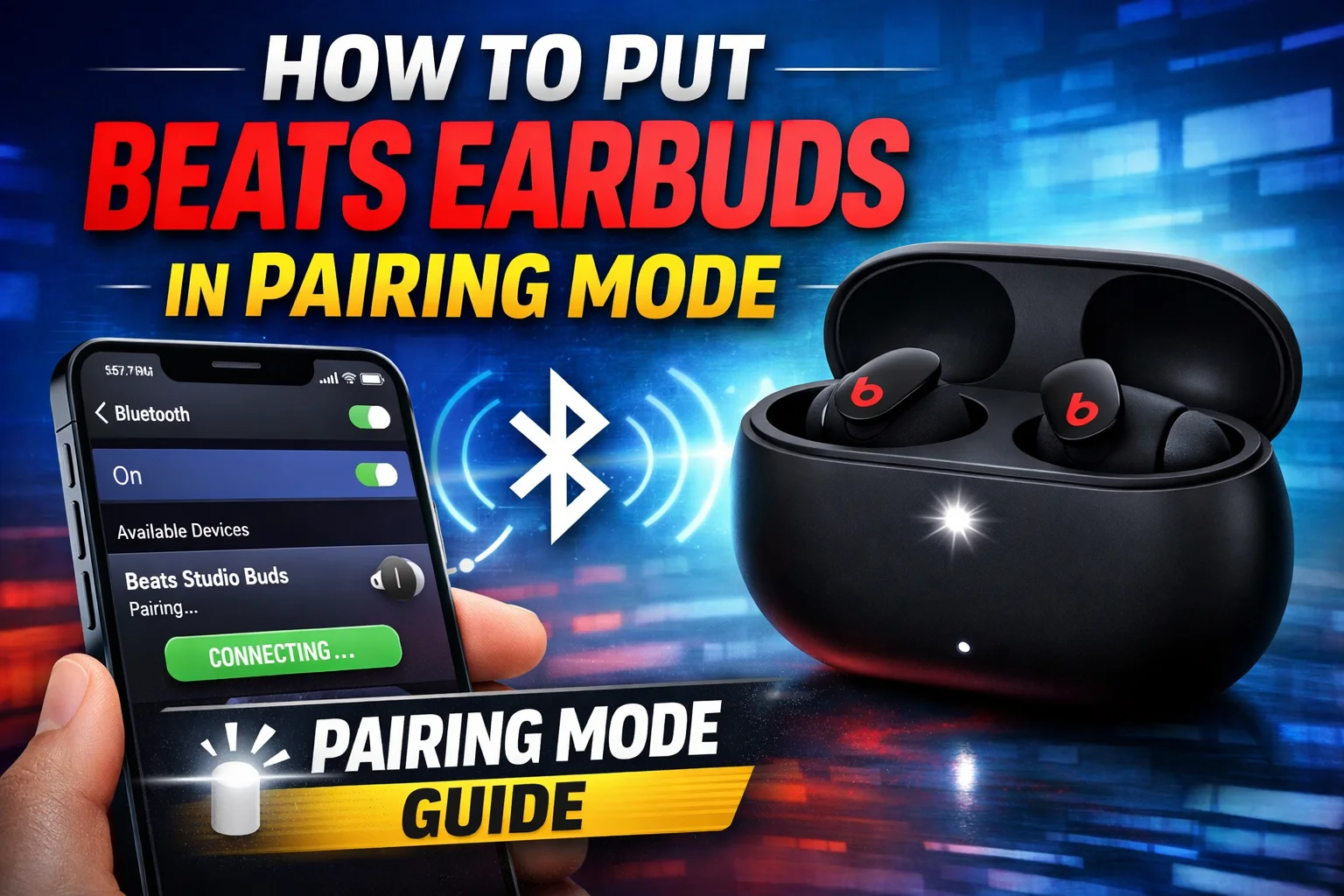
Buying a new pair of Beats earbuds is an exciting adventure, but the most common question many people have is how to put beats earbuds in pairing mode. Usually, it is a simple process with some models requiring only one button press while others a long press. However, little things matter and forgetting one step, for example, can cause misery.
In this comprehensive guide, I’ll cover the whole procedure thoroughly, step by step, by having done it personally and also performing troubleshooting. No matter if you have Beats Studio Buds, Powerbeats, or Beats Fit Pro, this guide will lead you through the procedure of connecting your earbuds properly, and also you will be able to avoid the most usual mistakes.
Why Pairing Mode Matters
Before we discuss how to put beats earbuds in pairing mode, it is first necessary to understand what pairing mode does.
Essentially, pairing mode makes your earbuds visible to the devices around you like smartphones laptops tablets, or smart TVs. If you don’t turn on this mode, your device won’t find your earbuds even if the Bluetooth is enabled.
Step-by-Step: How to Put Beats Earbuds in Pairing Mode
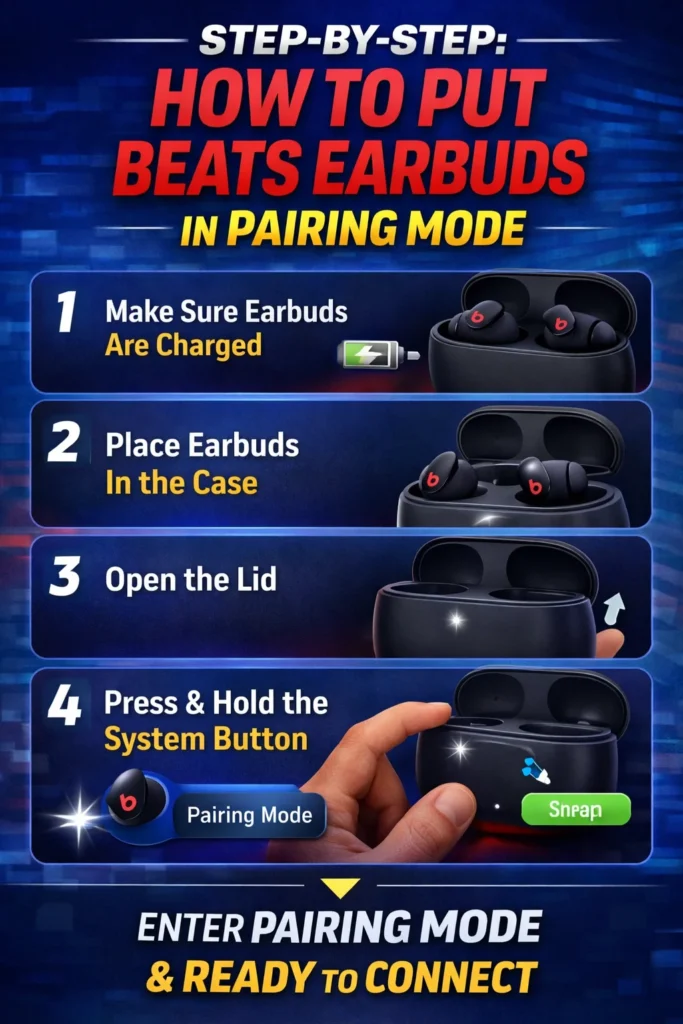
Let’s analyze the general way most Beats earbuds work:
1. First, ensure that your earbuds are charged
A drained battery is one of the least considered issues. If your earbuds do not get into pairing mode, charge them first.
2. Secondly, put your earbuds in the case
For most Beats, the earbuds need to be inside the charging case to start pairing.
3. Third, open the lid
Open the charging case lid and keep earbuds inside.
4. Fourth, find the system button and press it for a while
Find the tiny button on the case (usually either it inside or outside). Press and hold it for 510 seconds or until the LED light starts flashing.
This flashing light symbolizes that you have successfully activated how to put beats earbuds in pairing mode.
LED Indicators Explained
White flashes mean pairing ready – solid white means linked. Red or amber shows low power or a glitch.
But if no flash appears, go back through setup steps.
You might miss the signal, if you’re rushing, double-check the sequence.
The light doesn’t blink? Try reinitializing the device.
How to connect after pairing mode After you have done the pairing mode of beats earbuds, then by the following process you can connect them:
- On Android: Open Settings Tap Bluetooth Select your Beats earbuds from the list
- On iPhone: Open the case near your iPhone A popup should appear automatically Tap Connect
- On Laptop (Windows/Mac): Turn on Bluetooth Search for devices Select your Beats earbuds
Model-Specific Instructions
It seems the process for putting Beats earbuds in pairing mode changes slightly depending on the model – some have different buttons, others need lid open.
Beats Studio Buds and studio Buds+ require you to place them in the case, and hold the system button until the LED flashes. Also, beats Fit Pro does the same as Studio Buds, but make sure the lid is open when connecting.
Arguably, every method centers on pressing a button until it lights up – just where that button lives varies. Hard to ignore how small differences create confusion at first glance.
Common Issues & Solutions
It’s quite common that things don’t always go smoothly even if you know how to make your beats earbuds pairing mode. Take a look at the top fixes provided by the pros:
1. Earbuds Not Appearing in the Bluetooth ListReset the earbudsToggle Bluetooth off and on againGet closer to the device.
2. LED Is Not Blinking To resolve this issue, it is necessary to charge the case completely. In addition, if the problem persists, you can try holding the button for a longer period of time (up to 15 seconds).
3. Devices Already Connected
Beats earbuds have the ability to automatically connect to the devices that have been paired before. If this is the case, you need to disconnect them first before attempting again the method of how to put Beats earbuds in pairing mode.
How to Reset Beats Earbuds
If the pairing attempts don’t work, the only remaining choice is a reset.
Reset Procedure: Insert earbuds into charging case Press power button for about 15 seconds LED will start flashing red and white.
Once reset, you need to do the pairing steps of the process of how to put beats earbuds in pairing mode from scratch again.
Pro Tips Learned from Our Experience
Interaction with many users and devices reveals that,.
Without fail, update firmware Keep distance from crowded Bluetooth areas at pairing time Hold earbuds within 12 ft during pairing If connection fails, restart your phone
These simple things can really make your how to put beats earbuds in pairing mode work successfully.
When Pairing Automatically Happens
Sometimes you don’t have to do the manual learning in order to put your beats earbuds in pairing mode.
For instance,
Apple devices with iCloud sync can auto-connect; Previously paired devices reconnect instantly.
Nevertheless, manual pairing should be done for new devices.
Security & Device Compatibility
Beats earbuds utilize up-to-date Bluetooth standards, which guarantee that the pairing process is not only secure but also reliable. However, knowing the method of putting beats earbuds in pairing mode leads to:
Quicker connection Minimization of errors More compatibility with different devices.
Final Thoughts
Can you really trust your earbuds if they don’t pair right? Small hiccups, missing the button press, weak power – might throw off the whole setup.
You’ll feel better once you know what to do. No more stress when swapping devices, whether it’s your phone, tablet, or PC. Mastering how to put beats earbuds in pairing mod and helps you avoid headaches every time.
Why wait until something breaks before fixing it? Just follow the steps and skip the confusion entirely.